One room. Everyone’s taste.
Add a song to the queue and let the night find its rhythm. Shuffle, repeat or hand the controls to your server’s DJ.
 Apollo
 brings the music.
You bring the people.
For late nights, one more game, or no plans at all. Keep a shared queue, save your favourites and give everyone a turn.
Add a song to the queue and let the night find its rhythm. Shuffle, repeat or hand the controls to your server’s DJ.
Save playlists, collect your favourite tracks and pick up where you left off.
From background radio to a carefully chosen queue, Apollo gives your voice channel its own soundtrack.
A familiar player, with a little more personality. Find the look that feels like your server.
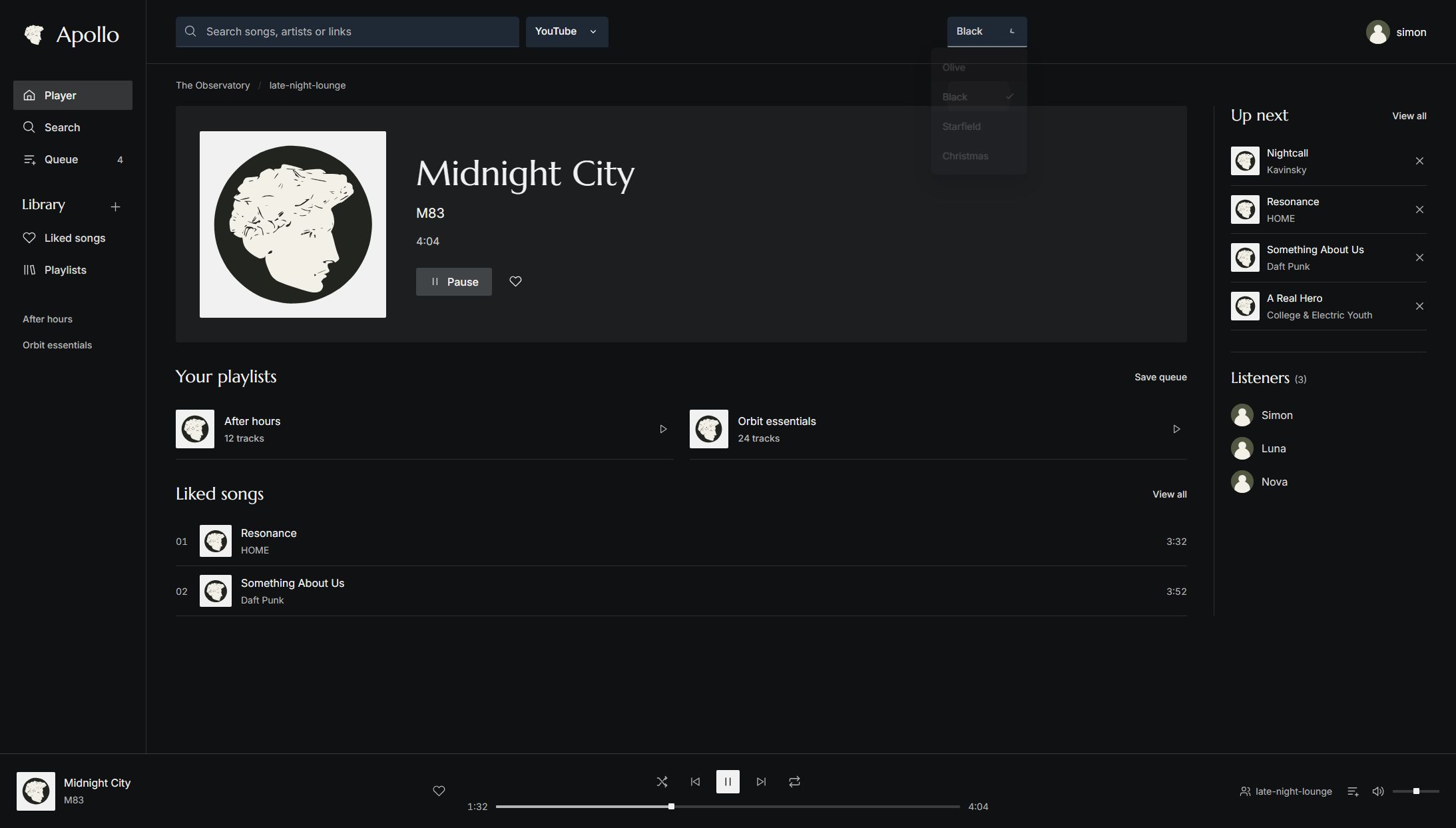
Add Apollo to your Discord server, join a voice channel and use
/play to search for a song or add a supported link.
You can manage music with commands and the player buttons.
Members in the same voice channel can add songs. Server managers can assign a DJ role to decide who controls playback and the queue.
Search, playback, playlists and queue controls are free. Premium adds 24/7 voice channel access, including staying connected when the channel is empty.
Apollo can look up Spotify track and playlist information and find a matching recording on a configured audio source. It does not stream audio directly from Spotify, and matches can vary.
The music plays in your Discord voice channel. The custom player is designed to control the same shared session from inside Discord.